
No laptop overheats unless you are doing any intensive work like ninja or blocking the air ventilation. But fanless laptops are little different, they are made differently that it doesn’t require any sort of cooling fan, instead, fanless architecture utilizes laptop’s body to deprecate heat. Usually, its body frame is the source of heat dissipation.
What does a fanless laptop mean?
In layman’s term, a laptop with no cooling fan installed is known fanless laptop.
How can a laptop be fanless?
Why not? Our modern mobiles and iPads are fanless even when we play heavy games on it. If they can manage to be fanless why not our laptops.
But what about the PERFORMANCE?
Of course, we’ll see a huge performance loss for intensive workloads, but for the easy and non intrusive load, we do not need beefy CPUs. Modern-day mobile CPUs are smaller, energy-efficient, and outputs less heat. So it can be fanless.
Yes, just don’t expect a raw performance from it like a editing or gaming computers.
How does a fanless laptop work?
Since there is no fan in the fanless laptops, they rely mostly on CPU clock management.
First of all, such CPUs are highly capable of tolerating heat, some processors can manage over 90-95 degrees Celsius of temperature. Second, these CPUs throttles the speed by downclocking when the heat is almost uncontrollable, results in slow performance but manageable heat makes it cooler or doesn’t let the system heat.
This is how a fanless laptop works and it is suitable for basic works like internet browsing, using office apps, streaming movies, and similar lightweight tasks. We recommend fanless laptops to those who just need excellent battery life with ultimate mobility.
How hot can a fanless laptop get?
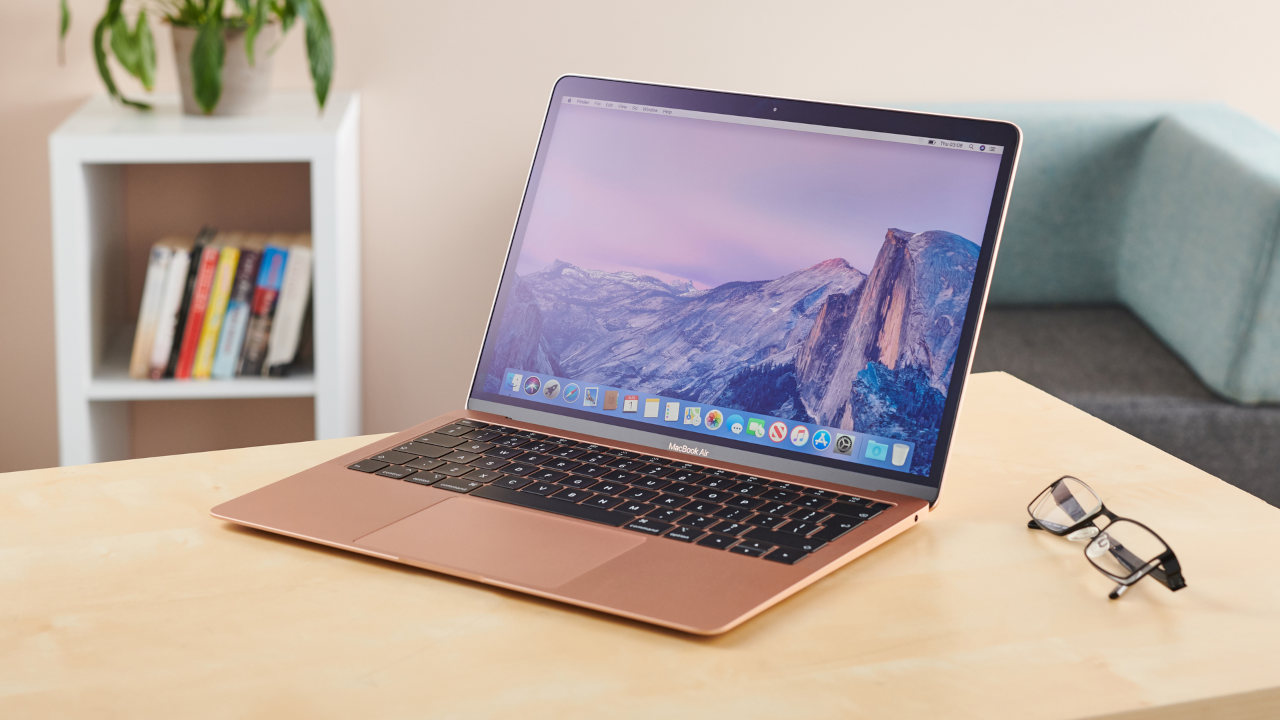
Based on several laptops we have tried out including MacBook, they can be as hot as bearable. If you live in a cold region then you won’t face any issues, but who lives in a hot region may suffer a little bit. It’s all depended on your workload. Unless you are editing images and videos, or forcefully trying to game on it, you won’t face any issues.
How to cool a fanless laptop?
Practically, do not try to cool down a fanless laptop, from outside you can hardly change a couple of Degree Celsius temperature but that won’t make any drastic change in the actual performance. All you can do is simple tasks like:
- Prefer an air-conditioned room or you can try out any local cooling pad.
- Avoid placing laptops in direct sunlight.
In conclusion, fanless laptops are the future, as of now they are new concept and in the starting phase, in coming days we’ll see more such fanless laptops.
