
Think about the last time you plugged something into your laptop. Whether it was a phone charger, a hard drive, or a monitor, one standard port made it work, and nobody had to build a custom cable for each device.
AI had a similar problem. Every time someone wanted an AI assistant to use a tool, such as Google Drive, a database, GitHub, or Slack, developers had to build a separate custom connection. The Model Context Protocol (MCP) was created to fix that.
This guide explains what MCP is, how it works, why it matters, and what to watch out for.
Just to understand this concept, no technical background needed.
What is MCP?
MCP (Model Context Protocol) is an open standard that lets AI applications connect to external tools, data, and services in one consistent way.
An MCP server describes what it can do, an MCP client inside the AI application reads that description, and the language model decides when to call it. In plain terms, the AI app asks, “What can you do?”, the tool answers, and the AI uses it when it’s useful.
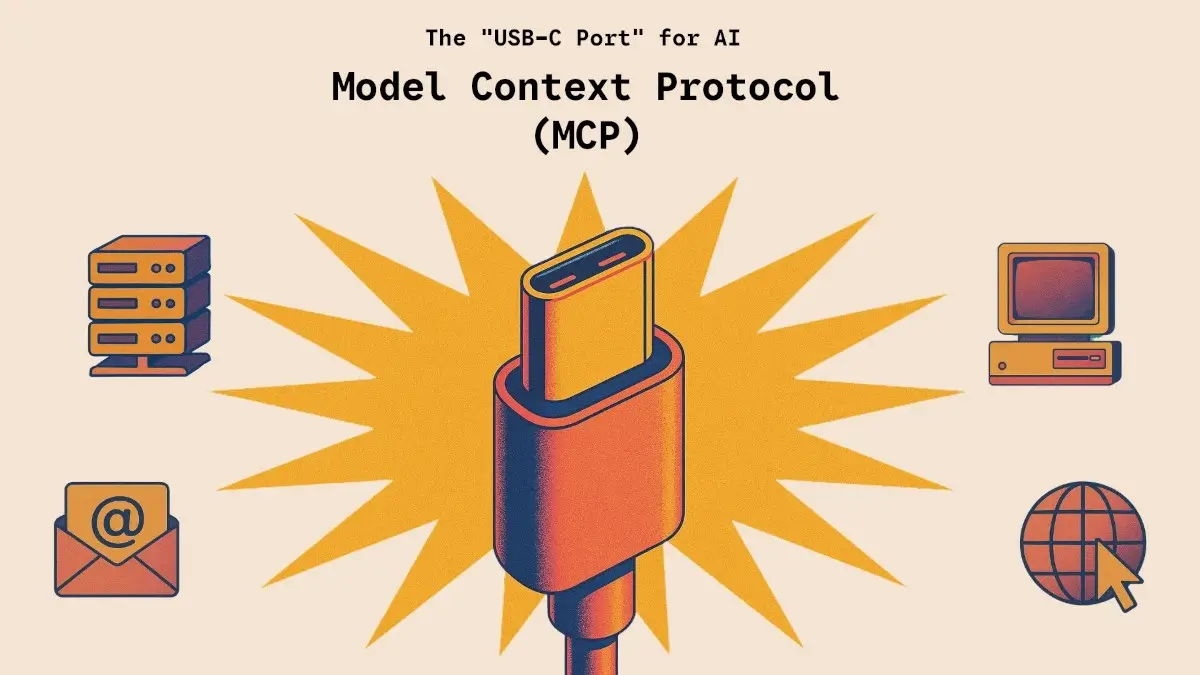
Here is the idea in one line:
MCP is a common language that lets AI assistants talk to tools and data.
Anthropic introduced MCP in November 2024. Anthropic later donated it to the Agentic AI Foundation (AAIF), a directed fund under the Linux Foundation.
So it is no longer controlled by a single company.
Why was MCP created? The problem it solves.
An AI model on its own only knows what it was trained on.
It can’t see your files, check your calendar, or look up your company’s data unless something connects it to those things.
Before MCP, every connection was custom-built.
If you had 5 AI apps and 20 tools, you could end up needing up to 100 separate integrations. Each one had to be built, secured, and maintained.
MCP changes the math:
| Before MCP | With MCP | |
|---|---|---|
| Integrations needed | One for every AI app and tool pair. | One MCP connection per tool, usable by any MCP-compatible app. |
| Developer effort | High and repetitive. | Build once, reuse everywhere. |
| Switching AI apps | Often means rebuilding connections. | Usually much easier. |
It is the same reason USB-C was a big deal: one standard instead of dozens of custom cables.
How does MCP work?
MCP has three main roles:
1. The host.
The AI application you actually use, such as a chat assistant, a coding tool, or an AI-powered editor.
2. The client.
A component inside the host that manages the connection to an MCP server and passes information between the server and the AI model.
3. The server.
A small program that exposes a tool or data source in the MCP format. There are MCP servers for things like file systems, databases, developer platforms, and business apps.
A simple example:
- You ask your AI assistant: “What were last month’s top 5 customer complaints?”
- The assistant’s MCP client checks which tools are available, such as your support-ticket system.
- The AI decides it needs that tool and sends a request through MCP.
- The server fetches the data and sends it back.
- The AI reads the results and writes a clear answer.
Behind the scenes, MCP uses a standard message format called JSON-RPC 2.0, and servers can run on your own computer or remotely over the web.
What can an MCP server offer? The three building blocks.
MCP servers can share three kinds of things with an AI app:
- Tools: Actions the AI can perform, such as “create an invoice,” “search issues,” or “send a message.” Each tool has a name, a description, and a defined set of inputs.
- Resources: Information the application can load as context, such as a document, a database record, or a file. These are for reading, not acting.
- Prompts: Ready-made instruction templates that help users run common tasks consistently.
MCP and AI agents: How they connect?
If you’ve read about AI agents, you already know they need tools to get real work done. MCP is one of the main ways agents get those tools.
- The AI agent is the worker that plans and decides.
- MCP is the standard connection that lets the worker reach tools and data.
It’s also worth knowing how MCP differs from A2A (Agent2Agent), another open protocol. In simple terms, MCP connects an agent to tools, while A2A connects agents to other agents. They solve different problems and often work together.
Real-world uses of MCP.
- Software development: Coding assistants use MCP to read repositories, check issue trackers, query databases, and run tests.
- Business operations: An assistant can pull data from a CRM, a spreadsheet, and an email inbox to answer one question.
- Customer support: An AI can look up orders and ticket history, then draft a reply for a human to approve.
- Research and knowledge work: Assistants can search internal documents and cloud storage.
- Design and productivity: AI apps can connect to project boards, calendars, and note-taking tools.
MCP also supports extensions. One example is MCP Apps, an official extension that lets tools show interactive interfaces inside the AI chat itself.
How popular is MCP?
MCP grew quickly. When Anthropic donated it in December 2025, it reported more than 10,000 active public MCP servers and over 97 million monthly SDK downloads across the ecosystem. Major AI products and developer tools now support it, and the Agentic AI Foundation was co-founded by Anthropic, Block, and OpenAI, with support from companies including Google, Microsoft, AWS, and Cloudflare.
What’s new: The 2026-07-28 specification.
MCP is versioned by date, and the latest major release is 2026-07-28. It is the biggest update to the protocol since its launch.
The headline change is a stateless protocol core. MCP moved from a bidirectional, stateful protocol to a stateless request/response one. In plain language, servers no longer need to keep track of an ongoing “session” with each client. That makes MCP much easier to run at scale, for example behind load balancers handling thousands of users.
Other highlights of this release include:
- Multi round-trip requests, for tasks that need back-and-forth
- Header-based routing, so traffic can be directed more efficiently
- Cacheable list results, which reduce repeated requests
- Authorization hardening, for stronger security
- A formal extensions framework, so new features can be added in an organized way
All four Tier 1 SDKs support the new version. If you build with MCP, check the official specification for migration details.
Benefits of MCP.
- Build once, use everywhere: One MCP server can work with many AI apps.
- Less vendor lock-in: Open, neutral governance means you’re not tied to one company’s system.
- Faster development: Developers spend less time on custom connectors.
- Richer AI answers: Assistants can use live, relevant data instead of guessing.
- Growing ecosystem: Thousands of ready-made servers already exist.
Challenges and risks you should know about.
MCP is powerful, and giving an AI access to real tools also brings real responsibility.
- Prompt injection: Malicious instructions hidden in a web page, document, or email can trick an AI into doing something you didn’t intend.
- Over-permissioning: A server with broad access, such as full read and write access to all your files, can do serious damage if misused.
- Untrusted servers: Not every MCP server is safe. A poorly built or malicious one can leak data or behave unexpectedly.
- Misleading tool descriptions: A tool can describe itself in a way that manipulates the AI. This is sometimes called “tool poisoning.”
- Accountability and oversight: When an AI takes an action through a tool, it must be clear who approved it and who is responsible.
Safety checklist:
- Install MCP servers only from sources you trust.
- Give each server the minimum access it needs.
- Require human approval for high-stakes actions such as payments, deleting data, or sending messages.
- Keep an eye on what your tools are actually doing, and remove any you no longer use.
How to get started with MCP?
If you’re a general user:
- Use an AI app that supports MCP connectors.
- Start with one trusted, low-risk connection, such as a note-taking or calendar tool.
- Review what the AI does before expanding access.
If you’re a developer:
- Read the official documentation at modelcontextprotocol.io.
- Pick an official SDK, such as TypeScript, Python, Go, or C#.
- Build a simple server that exposes one tool, then test it with an MCP-compatible app.
- Add authentication and logging before using it in production.
Frequently Asked Questions.
Is MCP a product or a protocol? MCP is an open protocol, a set of rules. It isn’t a single app. Many different products and tools implement it.
Who owns MCP? Anthropic created it, but it is now governed under the Agentic AI Foundation at the Linux Foundation. Day-to-day decisions remain with its community maintainers.
Is MCP only for Claude? No. It is an open standard, and many AI assistants and developer tools support it.
Is MCP the same as an API? Not exactly. An API is how one piece of software talks to another service. MCP is a standard layer that lets AI apps discover and use those tools in a consistent way. Many MCP servers use APIs underneath.
Do I need to code to use MCP? Not to use it. Many AI apps let you add connectors without writing code. Building your own MCP server does require some programming.
Is MCP safe? It can be, when used with trusted servers, limited permissions, and human approval for important actions.
Final thoughts.
MCP solves a simple but important problem: how to connect AI to the tools and data it needs without rebuilding the same integration again and again. As an open, neutral standard, it has become a key building block for AI agents and assistants.
Whether you’re a curious beginner or a developer planning to build, the best approach is the same. Start small, use trusted tools, limit access, and keep a human in the loop.

Leave a Reply