
Of all the cyberattack methods out there — malware, ransomware, zero-day exploits — phishing remains, by a huge margin, the most common way attackers actually break into accounts and networks. Not because it’s technically sophisticated, but because it targets something far more exploitable than any software vulnerability: human trust.
Phishing has been around since the early days of the internet, and despite decades of awareness training, warning banners, and spam filters, it still works — constantly, at massive scale, against everyone from individual users to Fortune 500 companies. Understanding exactly how it works is one of the best defenses you can have.
What is “Phishing”, at its core?
Phishing is a type of social engineering attack where someone impersonates a trusted person, brand, or organization in order to trick you into handing over sensitive information — passwords, credit card numbers, personal data — or into taking an action that compromises your security, like clicking a malicious link or downloading infected malware.
The term itself is a deliberate play on “fishing” — attackers cast out a wide net of fake messages, hoping someone bites. And unfortunately, with enough messages sent out, someone almost always does.
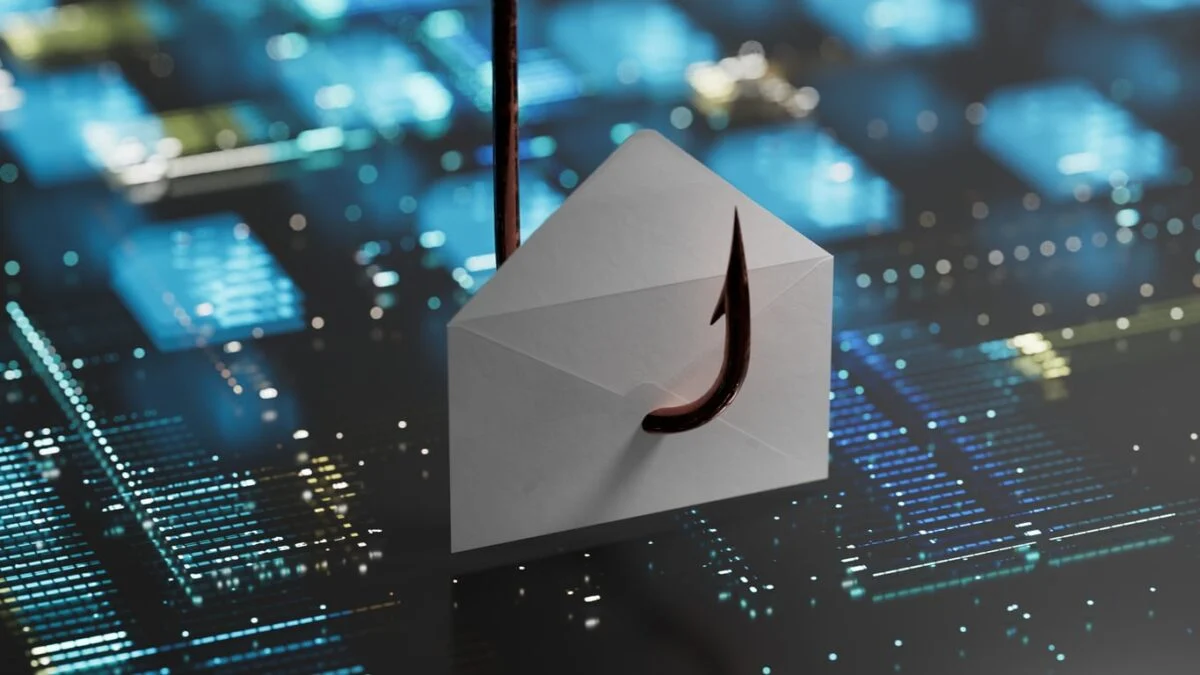
What makes phishing so persistently effective is that it doesn’t need to defeat sophisticated technical security systems. It only needs to convince one person, for one moment, to trust something that looks legitimate but isn’t.
The anatomy of a phishing attack.
Most phishing attacks follow a fairly predictable structure, even though the specific disguise changes constantly.
1. Impersonation — The attacker disguises themselves as a trusted entity: your bank, a coworker, a delivery service, a well-known company like Microsoft or Amazon, or even a friend’s compromised email account.
2. Urgency or emotional pressure — Phishing messages almost always create a sense of urgency: “Your account will be suspended in 24 hours,” “Unusual login detected,” “Your payment failed,” or “Your package couldn’t be delivered.” This urgency is deliberate — it pushes people to act quickly, before they stop to think critically.
3. A call to action — A link to click, an attachment to open, or a request for information (“Please confirm your password to continue”). This is where the actual damage happens — either credentials get stolen through a fake login page, or malware gets installed through a malicious attachment.
4. The payoff — Stolen credentials get used for further attacks (credential stuffing, account takeover, further phishing from the compromised account), or malware grants the attacker ongoing access to the victim’s device or network.
Common types of phishing.
Phishing comes in many forms, but they all use the same basic trick: convincing you to trust a message, link, website, or person that isn’t what it appears to be.
Know the most common ones:
Email phishing.
The classic and still most common form — a mass email disguised as a legitimate company or service, sent to thousands or millions of recipients at once, hoping a small percentage take the bait.
Spear phishing.
A far more targeted, personalized version.
Instead of a generic mass email, attackers research a specific individual or organization and craft a message specifically tailored to them — referencing real names, real projects, or real relationships to appear far more convincing. Spear phishing has a significantly higher success rate precisely because of this personalization.
Whaling.
A specific form of spear phishing that targets high-value individuals — executives, finance officers, or other people with significant authority or access. A whaling attack might impersonate a CEO emailing the finance department with an urgent, confidential wire transfer request, exploiting both authority and urgency simultaneously.
Smishing (SMS phishing).
Phishing conducted via text message rather than email — often impersonating delivery services, banks, or government agencies, with a malicious link included in the text.
Vishing (voice phishing).
Phishing conducted over phone calls, sometimes using caller ID spoofing to appear as a legitimate bank or company, and increasingly enhanced with AI voice cloning to impersonate specific real people convincingly.
Clone phishing.
An attacker takes a real, previously delivered legitimate email, duplicates it almost exactly, but swaps out the link or attachment for a malicious version — relying on the fact that the message already looks familiar and trustworthy.
Business Email Compromise (BEC).
A particularly costly category where attackers either spoof or genuinely compromise a real business email account, then use it to request fraudulent payments or sensitive data from coworkers, vendors, or clients — often causing massive financial losses precisely because the request appears to come from a completely legitimate, trusted source.
Why phishing still works so well?
Phishing succeeds by exploiting predictable aspects of human psychology, not technical weaknesses:
Authority — People are conditioned to comply with messages that appear to come from authority figures, whether that’s a bank, a government agency, or a company executive.
Urgency — Time pressure short-circuits careful, critical thinking. When something feels urgent, people act faster and scrutinize less.
Fear — Threats of account suspension, legal consequences, or financial loss trigger an emotional response that often overrides rational caution.
Curiosity — Messages like “You won’t believe what someone said about you” or unexpected package notifications tap into simple curiosity.
Familiarity — A message that looks visually identical to a real company’s branding, or appears to come from a known contact, benefits from an existing baseline of trust.
Attackers don’t need everyone to fall for a phishing attempt — they just need a small or fraction percentage, out of potentially millions of messages sent, to make the entire campaign profitable. Due to above all reasons they always get a success.
How to spot a phishing attempt?
While phishing tactics constantly evolve, certain red flags remain consistently reliable warning signs:
Mismatched or suspicious sender addresses. The display name might say “Amazon Support,” but the actual email address is something unrelated and strange. Always check the full sender address, not just the display name.
Generic greetings. Legitimate companies you have an account with typically address you by name. “Dear Customer” or “Dear User” on a message claiming to be from your bank is a mild red flag, though not definitive on its own.
Urgency and threats. Be especially cautious of messages demanding immediate action, threatening account closure, or creating a sense of panic — legitimate organizations rarely operate this way for routine matters.
Suspicious links. Hover over links (without clicking) to preview the actual destination URL. A link that displays as “yourbank.com” but actually points somewhere completely different is a major red flag. You also need to look closely for common looking letters.
Unexpected attachments. Be wary of unexpected attachments, especially from unfamiliar senders, or attachments in unusual file formats you weren’t expecting.
Requests for sensitive information. Legitimate companies essentially never ask you to confirm your password, full credit card number, or Social Security number via email or text. Even avoid entering those information in any online form or portal.
Poor grammar or awkward phrasing. Though this red flag has become less reliable in recent years, as AI tools have made it much easier for attackers to produce polished, grammatically correct phishing messages at scale.
What to do if you suspect phishing?
Don’t click. If something feels off, don’t click links or download attachments — even out of curiosity “just to see.” Remember, once you click you have given your access out.
Verify independently. If a message claims to be from your bank, don’t use any link or phone number provided in the message itself. Instead, navigate directly to the official website or call the number printed on your actual card or statement.
Report it. Most email providers and companies have a “report phishing or spam” option, which helps improve email spam filtering for everyone and alerts the impersonated organization to the ongoing attack.
If you’ve already clicked or entered information, change the affected password or reset it immediately, enable MFA if it isn’t already active, and monitor the account closely for any unauthorized activity. Use password manager if you cannot remember passwords.
Common phishing myths.
“I’d definitely recognize a phishing email — they’re always poorly written and obviously fake.” Modern phishing attacks, especially spear phishing and AI-assisted campaigns, can be extremely polished and convincing, sometimes indistinguishable from legitimate communication at a glance.
“Phishing only happens through email.” As covered above, phishing spans email, text messages, phone calls, social media messages, and even fake websites appearing in search engine ads — any communication channel can be used.
“I don’t have anything valuable, so I’m not a target.” Attackers don’t just want money directly — they also want access. A compromised personal email or work account can be used to launch further attacks against your contacts, or as a stepping stone into a larger organizational network.
“Antivirus software will catch phishing attempts for me.” Security software helps filter some phishing attempts and can block known malicious sites, but it isn’t 100% foolproof, especially against new or highly targeted attacks. Human awareness remains a critical layer of defense that technology alone can’t fully replace.
Final thoughts.
Phishing endures not because it’s technically clever, but because it exploits something far harder to patch than software: human psychology.
Urgency, authority, fear, and trust are permanent features of how people think and react — and phishing will likely remain effective for exactly that reason, regardless of how advanced spam filters and security software become.
The best defense isn’t paranoia about every single message you receive — it’s a habit of healthy skepticism, verifying independently before acting, and slowing down just enough to notice the small inconsistencies that separate a legitimate message from a convincing impersonation.
