
Your phone has 34 apps you haven’t opened since 2022, a camera roll with 400 near-identical selfies, and a storage warning that pops up with the enthusiasm of a smoke alarm. Sound familiar?
Digital clutter doesn’t just slow down your device — it slows down you. Let’s clear it out without accidentally deleting your entire photo history in a fit of decluttering rage.
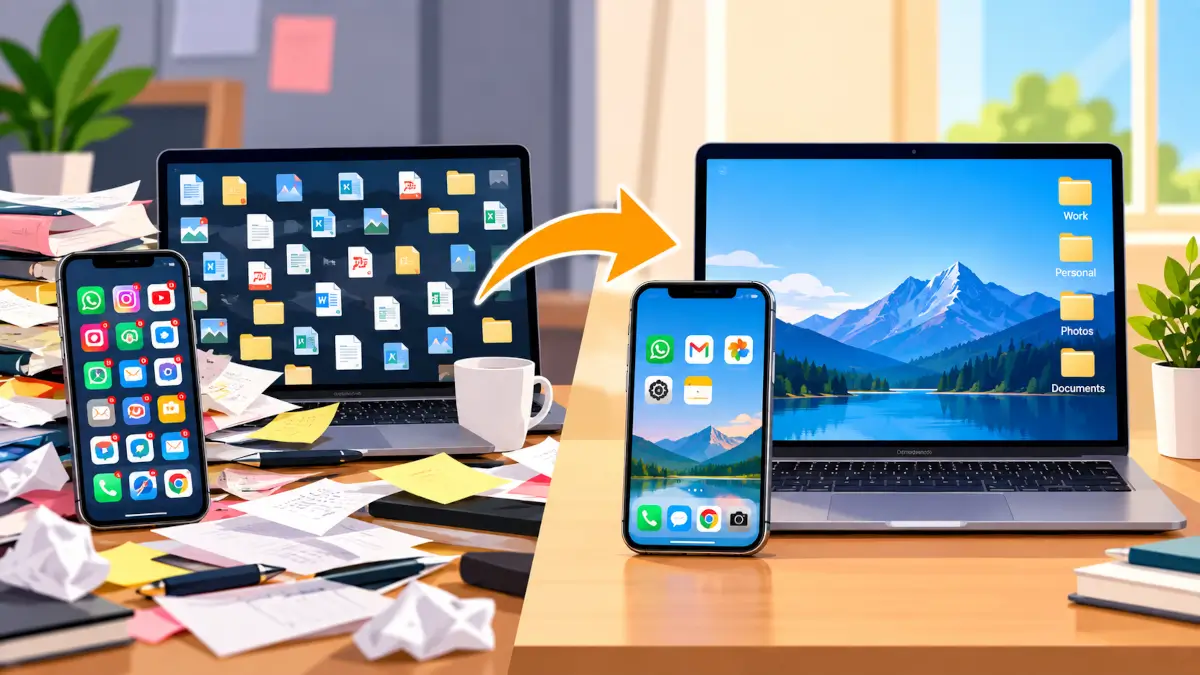
Why digital clutter is sneakier than physical clutter?
You can see a messy room. Digital mess hides in folders, apps, and tabs you forgot existed. It doesn’t look chaotic — until your phone can’t take a photo because it’s “out of storage” during the one moment you actually needed it to.
Step 1: Do a screen time reality check.
Before deleting anything, check which apps you actually use. Most phones will happily tell you. The apps you haven’t touched in 90 days aren’t “just in case” tools — they’re digital dead weight.
Step 2: The photo purge (gently).
You don’t need four blurry versions of the same sunset. Go month by month, not all at once (it’s less overwhelming), and delete duplicates and near-duplicates. Keep the good one, let the other three go live their best life in the trash.
Step 3: Sort files before you delete anything.
Never delete in a panic-cleaning spiral. Move important files to cloud or external storage first, then clean up what’s left on the device. This is how you avoid losing anything important — decluttering should never double as an accidental shredder.
Step 4: Clear the downloads folder.
The Downloads folder is where files go to be forgotten. PDFs, installers, random screenshots — sort through it every couple of weeks before it becomes an archaeological site.
Step 5: Tame your tabs and desktop icons.
Fifty open browser tabs isn’t multitasking, it’s a cry for help. Bookmark what you need, close the rest. Same goes for a desktop covered edge-to-edge in icons — if you can’t see your wallpaper, it’s time.
The payoff.
A device that isn’t groaning under the weight of forgotten files runs faster, feels calmer to use, and actually has space when you need it — like, say, during that important video call where storage decides to be full.
Bookmark this one and do a 20-minute clean-out this weekend. Future-you, with all that lovely free storage, will be thrilled.

Leave a Reply