
Type “google.com” into your browser, hit enter, and within a fraction of a second, you’re looking at a search bar. It feels instant, almost magical — but behind that split-second delay is one of the most quietly essential systems on the entire internet, working constantly, invisibly, billions of times a day: the Domain Name System, or DNS.
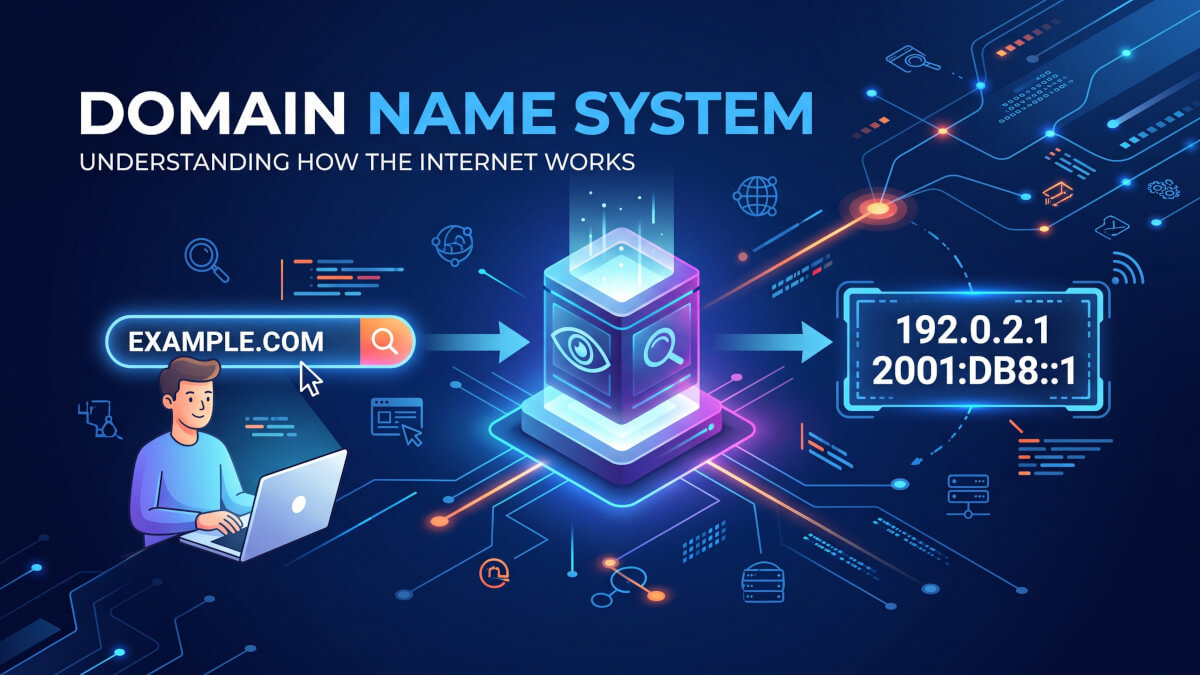
If you’ve ever wondered what actually happens between typing a web address and a page loading, this is that story.
The main issue domain name system was built to solve.
Here’s something most people don’t think about: computers don’t actually understand domain names like “wikipedia.org” or this blog “atulhost.com”; machines communicate using numerical addresses called IP addresses — something like 142.250.195.78. Every single device connected to the internet, from the server hosting your favorite website to your own laptop, is identified by one of these numerical addresses.
In the very early days of the internet, this wasn’t a huge problem, because there were relatively few connected computers, and a simple text file called HOSTS.TXT was manually maintained, mapping a small list of computer names to their numerical addresses. Every computer on the fledgling network kept a copy of this file.
But as the internet grew — and grew, and grew — this approach became completely unworkable. Manually maintaining and distributing an ever-expanding list of every device’s name and address to every other device on the network simply couldn’t scale.
The internet needed something smarter: a distributed, automated, constantly updated system for translating human-friendly names into machine-friendly numbers. That system is DNS, introduced in the early 1980s and still, remarkably, the backbone of how we navigate the internet today.
DNS exists purely to solve one specific problem: humans are good at remembering names, and terrible at remembering strings of numbers. DNS lets us use the former while still allowing the internet’s underlying machinery to run on the latter.
DNS as “The Internet’s Phonebook”.
The most common analogy for DNS — and it’s a genuinely useful one — is that it works like a phonebook. You want to reach “Pizza Palace,” but the phone system doesn’t understand business names, only phone numbers. A phonebook bridges that gap, letting you look up a name and retrieve the actual number needed to make the connection.
DNS does exactly this for the internet, at a truly massive scale, and largely instantaneously. Every time you type a domain name into your browser, click a link, or open an app that connects to the internet, a DNS lookup happens somewhere in the background, translating that human-readable name into the numerical IP address a computer actually needs to establish a connection.
What actually happens during a DNS lookup?
Let’s walk through what really happens, step by step, in the moments after you type a web address and hit enter. It looks instantaneous from the outside, but there’s a surprisingly intricate journey happening underneath.
1. Checking local caches first — Your device first checks whether it already knows the answer, based on a recent previous visit. Your browser, your operating system, and even your router often keep a temporary local cache of recently resolved domain names, specifically to avoid repeating unnecessary lookups. If a valid, unexpired cached answer exists, your device uses it immediately, skipping the rest of this process entirely.
2. Asking a DNS resolver — If no cached answer exists, your device sends the request to a DNS resolver — typically operated by your internet service provider, or a public resolver you’ve configured, like Google’s (8.8.8.8) or Cloudflare’s (1.1.1.1). This resolver’s job is to actually go find the answer on your behalf, acting as an intermediary between your device and the wider DNS system.
3. Querying the root name servers — If the resolver doesn’t already have a cached answer either, it starts its search at the very top of the DNS hierarchy: the root name servers. There are only 13 sets of root server addresses globally (though each is actually replicated across many physical servers worldwide for redundancy and speed). The root server doesn’t know the specific answer, but it knows exactly where to point the resolver next, based on the domain’s ending.
4. Querying the TLD name servers — The root server directs the resolver toward the appropriate Top-Level Domain (TLD) name server — the servers responsible for a specific domain ending, like .com, .org, .net, or a country-specific domain like .in or .uk. The TLD server doesn’t know the final answer either, but it knows exactly which server actually holds the authoritative record for the specific domain being requested.
5. Querying the authoritative name server — Finally, the resolver reaches the authoritative name server for that specific domain — the actual source of truth, typically managed by the domain’s DNS provider or hosting company. This server holds the real, current DNS records and returns the actual IP address associated with the requested domain.
6. Returning the answer — The resolver passes this IP address back to your device, which then uses it to actually connect directly to the website’s server, finally loading the page you requested.
This entire multi-step journey — root servers, TLD servers, authoritative servers — typically happens in a matter of milliseconds, and is heavily optimized through caching at every single layer possible, which is exactly why repeat visits to the same website tend to load noticeably faster than the very first visit.
The building blocks: DNS record types.
DNS doesn’t just store simple name-to-IP-address mappings. It supports several different types of records, each serving a distinct purpose.
A few of the most common ones worth knowing:
A Record — Maps a domain name directly to an IPv4 address (the traditional, most common format, like 142.250.195.78). This is the most fundamental and frequently used record type.
AAAA Record — Same purpose as an A record, but maps to an IPv6 address instead — the newer, much longer address format designed to accommodate the internet’s continued growth beyond IPv4’s limited address space.
CNAME Record — Short for “Canonical Name,” this maps one domain name to another domain name, rather than directly to an IP address. Commonly used for subdomains — pointing blog.yourwebsite.com toward yourwebsite.com, for example, so it automatically follows whatever IP address the main domain is already using.
MX Record — Short for “Mail Exchange,” this specifies which mail servers are responsible for receiving email on behalf of a domain, essentially telling the internet where to deliver email sent to that domain.
TXT Record — A flexible, general-purpose text record often used for verification purposes — proving domain ownership to a third-party service, or configuring email security protocols like SPF and DKIM, which help prevent email spoofing and phishing.
NS Record — Specifies which name servers are actually authoritative for a given domain, essentially pointing to where the real, current DNS records for that domain are actually managed.
TTL: Why DNS changes don’t happen instantly?
Every DNS record includes a value called TTL (Time To Live), measured in seconds, let’s say — 3600 seconds for 10 minutes, which tells any DNS resolver caching that record exactly how long it’s allowed to reuse the cached answer before checking back with the authoritative server for anything that might have changed.
This caching mechanism is precisely what makes DNS fast and scalable — without it, every single website visit would require a full, multi-step lookup all the way from the root servers, dramatically slowing down the entire internet.
But it also explains why DNS changes — like pointing a domain to a new server — don’t take effect everywhere instantly. It relies heavily on TTL value you set.
Resolvers around the world are all caching your domain’s records on their own separate schedules, based on the TTL value that was active when they last looked it up, gradually catching up to the new information as their individual caches expire.
Why DNS matters more than people realize?
DNS is one of those systems that’s easy to take completely for granted, precisely because it works so reliably, so consistently, in the background.
But it’s also a genuinely critical piece of internet infrastructure, and when it breaks — even briefly — the consequences are immediately, visibly disruptive.
When a major DNS provider experiences an outage, it doesn’t just affect one website — it can simultaneously take down access to dozens or even hundreds of unrelated websites and services that happen to rely on that same DNS infrastructure, even though the websites themselves might be running perfectly fine on their own servers.
From the average user’s perspective, this often looks like “the entire internet is broken”, even though the actual servers hosting the content are working normally — they’ve simply become unreachable because the phonebook translating their names into addresses has stopped responding or halted for some time unexpectedly.
This is also why DNS has become a meaningful focus in cybersecurity. Attacks like DNS spoofing or cache poisoning attempt to trick resolvers into returning fraudulent IP addresses, potentially redirecting unsuspecting users toward malicious, look-alike websites without any obvious warning sign in their browser’s address bar. Protective measures like DNSSEC (DNS Security Extensions) have been developed specifically to add cryptographic verification to DNS responses, helping ensure the answers a resolver receives are genuinely authentic and haven’t been tampered with along the way.
Final thoughts.
DNS is one of the internet’s great unsung achievements — a massive, distributed, constantly-running system that quietly translates human-friendly names into machine-friendly addresses, billions of times every single day, almost always without a single hiccup. It’s easy to never think about at all, right up until it briefly stops working, and suddenly half the internet seems to disappear all at once.
Understanding what’s actually happening during those split-second moments — root servers, TLD servers, authoritative servers, all working together in a sync carefully well maintained and structured hierarchy — turns DNS from an invisible black box into something genuinely understandable.
It’s not magic.
It’s just a very well-designed index, quietly doing its job, one lookup at a time.
