
There are two types of people in this world: those who back up their files, and those who are one coffee spill away from becoming a cautionary tale.
If your entire digital life lives on a single laptop with no backup, you’re not “living dangerously,” you’re just gambling with your thesis, your photos, and your tax documents as the stakes. Let’s build something more sensible.
Cloud storage — the convenient one.
Cloud storage (think Google Drive, Dropbox, iCloud) means your files exist somewhere other than your one device, accessible from anywhere, synced automatically.
Good for: everyday files you need across devices, things you want to share easily, anything you’d cry about losing.
Watch out for: relying on “free tier” storage limits until you get a rude surprise notification, and assuming “it’s in the cloud” means “it’s definitely backed up” (spoiler: sync isn’t always backup).
Local storage — the old reliable.
An external hard drive or backup disk isn’t glamorous, but it doesn’t care about your internet connection, doesn’t have a monthly subscription, and isn’t going anywhere if a server somewhere has a bad day.
Good for: large files, long-term archives, an extra safety net that doesn’t depend on Wi-Fi.
Watch out for: actually remembering to plug it in and back things up — a hard drive sitting in a drawer is not a backup system, it’s a paperweight with potential.
Why you need both?
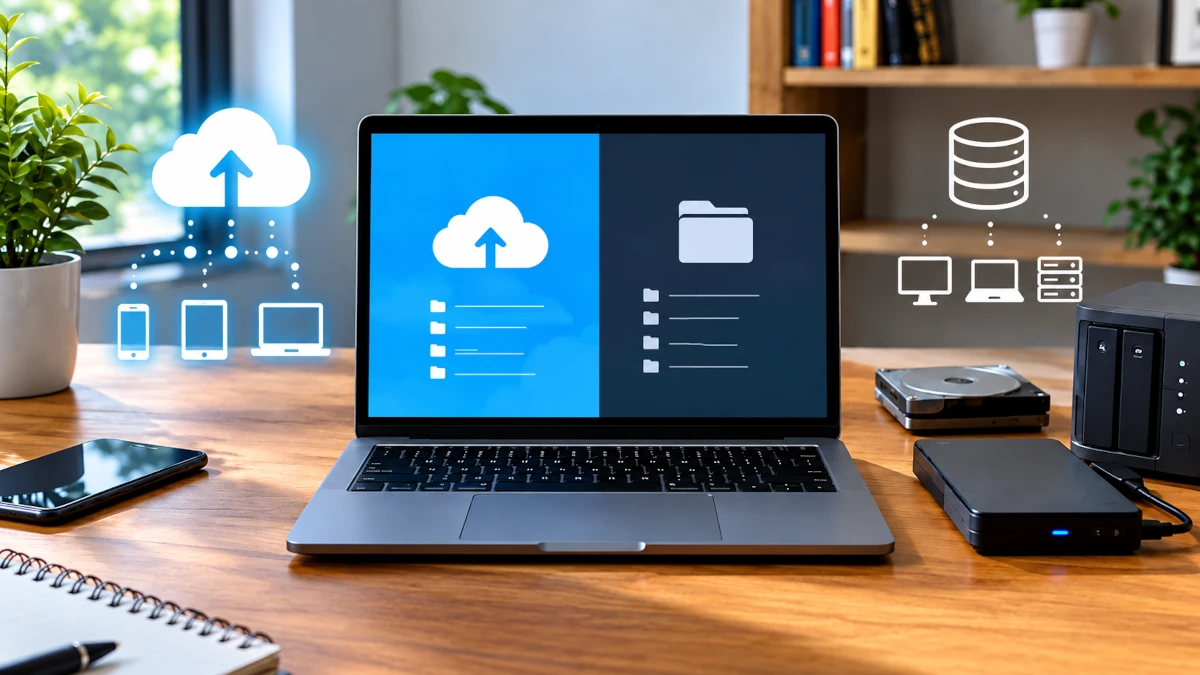
Relying on just one is like wearing a seatbelt but skipping the airbags. The real move is the classic 3-2-1 rule: keep 3 copies of anything important, on 2 different types of storage, with 1 copy stored somewhere else entirely (cloud counts).
Step 1: Sort what actually needs backing up.
Not everything deserves the VIP treatment. Focus on what you genuinely can’t replace: documents, photos, work files, anything with sentimental or legal weight. Random downloaded memes can take their chances.
Step 2: Automate it.
Manual backups fail because they rely on you remembering, and you, statistically, will forget. Set your cloud storage to auto-sync and schedule a recurring reminder (monthly is plenty) to back up to your external drive too.
Step 3: Test it occasionally.
A backup you’ve never checked is basically a rumor. Every few months, open a backed-up file and confirm it actually opens and isn’t corrupted. Nothing worse than discovering your “backup” during an actual emergency.
The payoff.
Spilled coffee, stolen laptop, mysterious hard drive failure — none of it becomes a crisis when your files exist safely in more than one place. That’s not paranoia, that’s just Tuesday-proofing your life.
Bookmark this one before your hard drive decides to make it personal.

Leave a Reply