
Somewhere out there is a person with 47,892 unread emails and the calm, unbothered energy of a monk. The rest of us see that number and feel our soul leave our body slightly.
Your inbox was supposed to be a tool.
Somewhere along the way it became a to-do list, a filing cabinet, a newsletter graveyard, and a source of low-grade anxiety, all at once.
Let’s fix that.
Why your inbox feels like a losing battle?
Email doesn’t stop. There’s no “finish line,” which is exactly why treating it like a to-do list is a trap — to-do lists are supposed to end. Your inbox just keeps refilling, like a very boring video game with infinite enemies and no boss fight.
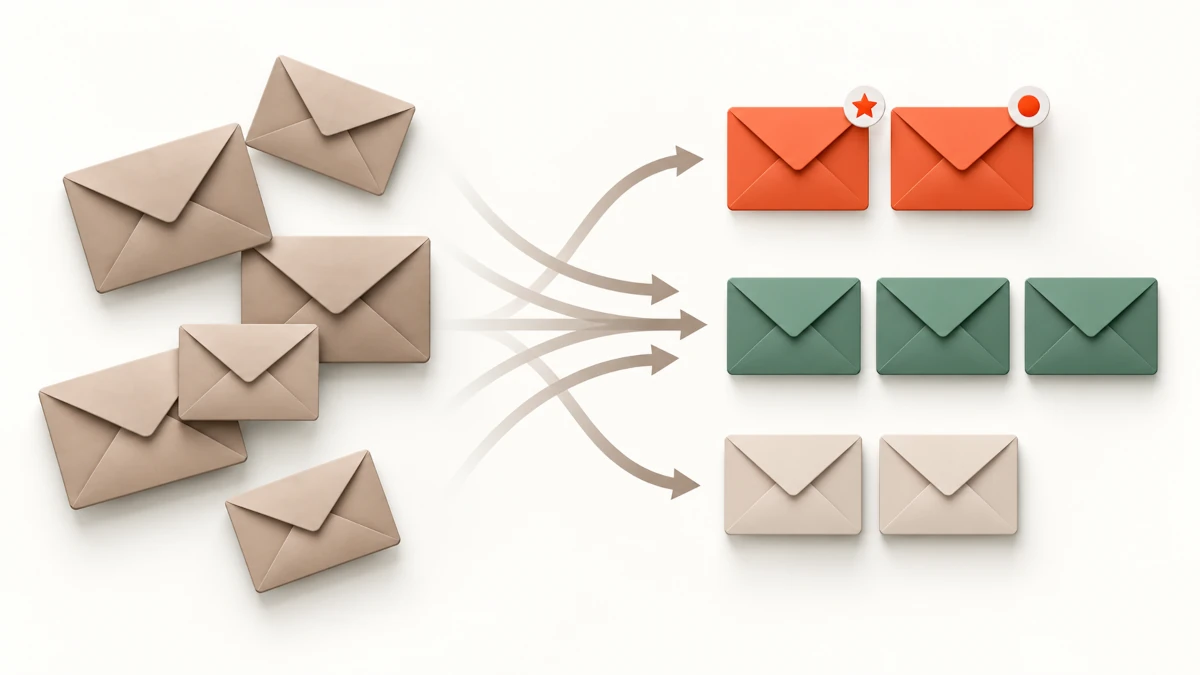
The fix isn’t answering faster. It’s changing what your inbox is even for.
Step 1: Your inbox is a doorway, not a storage room.
Nothing should live in your inbox permanently. Read it, then move it: reply, file it, delete it, or turn it into a task somewhere else. An inbox with 12,000 emails isn’t “organized chaos” — it’s a room you’ve stopped cleaning and started calling “lived-in.”
Step 2: Use folders like an adult (not 40 of them).
You don’t need a folder for every possible category of your existence. A handful does the job:
- Action needed — requires a reply or task.
- Waiting on — you’re expecting a reply.
- Reference — receipts, confirmations, useful info.
- Archive — done, but might matter later.
Four folders. That’s it. Complexity is the enemy of actually using the system.
Step 3: Unsubscribe like you mean it.
Every newsletter you don’t read is a tiny recurring tax on your attention. Once a month, ruthlessly unsubscribe from anything you scroll past without opening. Your inbox will thank you. So will your blood pressure.
Step 4: Set “email hours,” not “email always.”
Checking email 40 times a day doesn’t make you more responsive — it makes you more distracted. Pick two or three windows a day to actually process your inbox, and let it sit quietly the rest of the time. The world will survive.
Step 5: Templates for the repeats.
If you’re typing a similar reply for the fifth time this month, that’s not diligence — that’s a sign you need a template. Save the common ones (scheduling, follow-ups, polite declines) and paste-and-tweak instead of writing from scratch every time.
The payoff.
An inbox that’s actually manageable means no more Sunday-night dread scrolling, no more missed replies buried under marketing emails, and no more “let me just check something real quick” turning into forty-five lost minutes.
Bookmark this one — inbox zero isn’t a myth, it’s just a system you haven’t set up yet.

Leave a Reply